“Can you see the bit I mean?”
Talk to Bob while sharing a selected sketch, application view or permitted scene context. Keep the sharing state visible and stop it when the task is done.
“Bob, look at this with me. Now let’s see what we could build.”
Start in the room around you. Expand into a virtual studio. Talk through an idea, shape a product or walk through the systems behind a service—with the same collaborator beside you.
Current stage: illustrated concepts + interactive browser mock-ups
AI-generated concept illustration · the intended experience, not a photograph or recording of a working XR system.
I want to point at a sketch and ask Bob a question without reconstructing it in a prompt. Then spread an idea across the room: customer outcomes, architecture, service design, an agent team and the awkward dependencies. When something breaks, I want to explore the service—not shuffle between disconnected dashboards.
The offering sits in front of you. Its service, platform and team layers unfold in space. Point to a component, ask Bob a question and compare a proposed design branch while keeping the original in view.
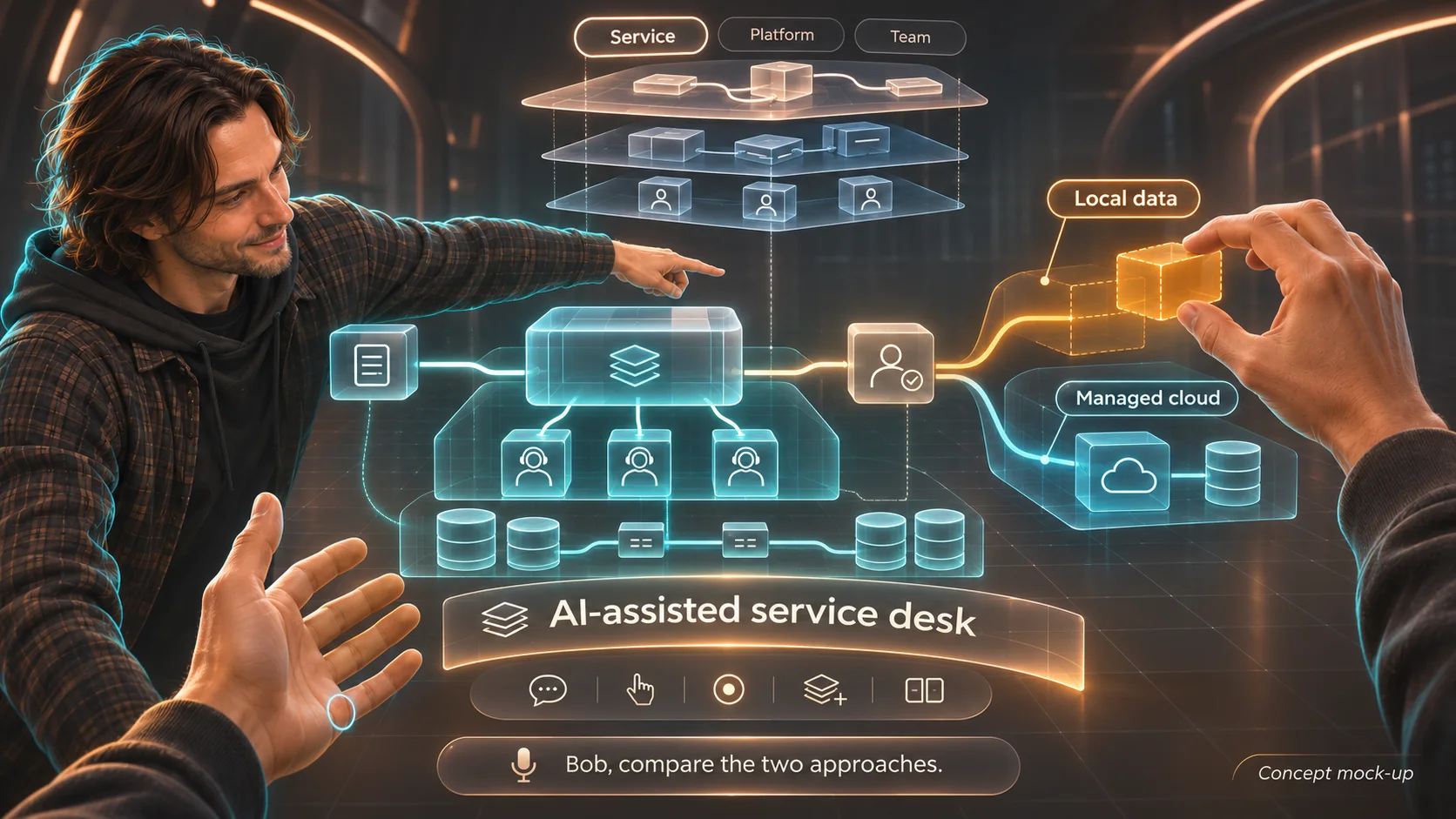
The amber component is a proposed alternative. The conversation, selection and comparison stay together; the design can be explored before any change is made.
Three connected interface studies. Try the shared view, carry a service into the operations space, or switch into the VR design studio and shape a brief of your own.
Stay in your room. Share a selected view, point to something and give the conversation a common reference.
Only you can see this example view.
Interactive concept · every system, incident and conversation here is synthetic or scripted. No camera, microphone, live Bob connection or operational integration is active.
Talk to Bob while sharing a selected sketch, application view or permitted scene context. Keep the sharing state visible and stop it when the task is done.
Move between a whiteboard, product model, architecture, operating model and team design. Compare branches and leave with an inspectable brief, not just a memorable meeting.
Connect services, VMs, workloads and network paths with ITSM records, SOC signals and observation times. Follow the evidence, compare a change and rehearse a response.
A small desk robot could give Bob a way to turn, listen and share attention. A separate portable edge computer could later support local processing and device connections.
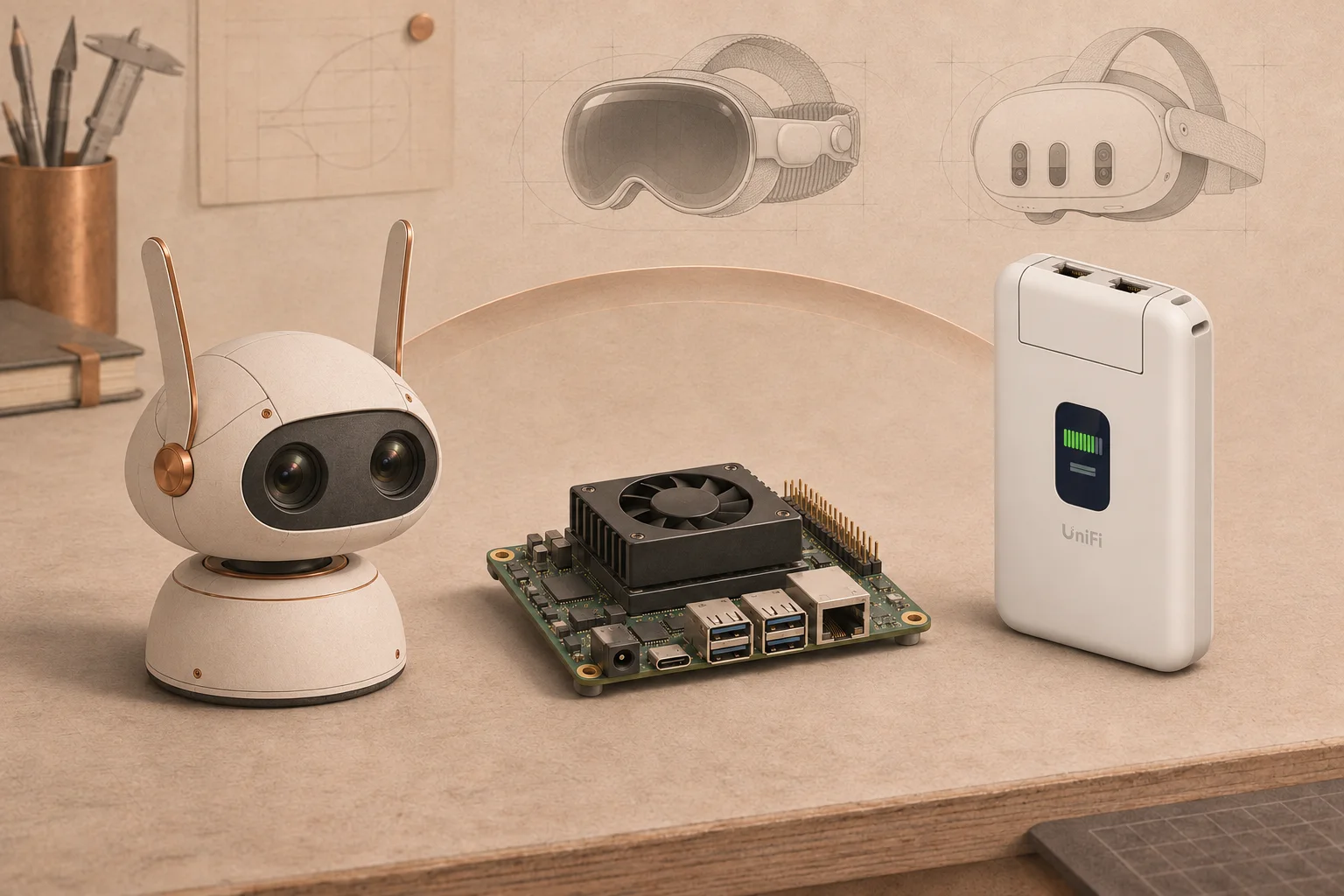
The first experiment can use an existing computer and a simulator. Dedicated edge hardware comes later, if measured workloads justify it.
The current portable-compute candidate is an NVIDIA Jetson Orin Nano Super. A Reachy Mini-style endpoint and UniFi Travel Router are part of the proposed physical direction. Exact hardware, power, cooling and network behaviour still need validation.
Encrypted, authenticated connection
To be configured and tested
The router is a network component, not a guarantee. The design calls for authenticated outbound connectivity, restricted local control and a visible safe state when the connection fails. The selected hardware and configuration must demonstrate those behaviours before I describe the setup as secure or dependable.
Public device references: NVIDIA Jetson and UniFi Travel Router. These inform the concept; they do not establish an integrated EMBODY system or vendor endorsement.
The ambition is broad. The next proof should be specific: a spoken exchange with Bob, a correctly shared reference, a transition into the spatial model and an outcome we can inspect afterwards.
This browser mock-up demonstrates interface behaviour. The working experience is still to be built and tested.
On a headset, ask Bob about a deliberately selected synthetic object. Check that he receives the correct context and stops receiving it when sharing is off.
Keep the same selected object, brief and conversation while changing the view. Test comfort, clarity and the time needed to complete a useful task.
Finish with a reviewable design brief or a diagnosis supported by linked observations. Compare it with doing the same task on a normal screen.
The intended experience needs an explicit shared context: a selected model, app view, image or permitted camera input. Seeing passthrough in a headset does not automatically give an application that camera feed. Apple’s main-camera API has enterprise access requirements; Meta’s passthrough camera API requires the appropriate device permissions. The native prototype must validate the allowed route on each target device.
I’m interested in where it would help—and where it would just get in your way.
Tell me what you thinkKeep up with Ben + Bob
The next proof is a real task: what we tried, what broke and whether sharing the workspace helped. Follow the experiments; the fuller notes will stay here at VirtuallyNoIdea.
Check the current build notes on Now