Headsets, glasses and a conversation from my wrist. I’m interested in what happens when we can bring AI into the way we work—not just find another screen to use it on.
Meta’s newly announced Meta VR Glasses are exactly the sort of thing that makes me stop and look. Then the practical side kicks in. Between running a home lab, maintaining test environments, exploring enterprise AI and paying for model usage, another device needs a reason to be there.
What would it help me do that I cannot do comfortably already? Is that worth the purchase price, the ongoing costs and another thing to maintain?
I have been exploring different ways of using computers for a while. Desktops kept much of the work at a desk; laptops gave us more freedom. Before smartphones became part of everyday life, I was using PDAs such as the Palm IIIc and Compaq iPAQ. Taking useful computing with us was already part of the appeal.
My introduction to augmented reality came with the original HoloLens. Since then, I have spent time with PC-connected and standalone headsets, mixed reality and spatial computing. These days, Quest 3 and Vision Pro are part of my everyday use.
What interests me now is not another screen. It is getting useful help without having to stop the job, open an application and explain everything from scratch.
That does not make every new device a replacement for the last one. A watch is not where I want to build a complicated spreadsheet. But AI could give us more choice about how we reach information and act on it, without making the application the centre of every interaction.
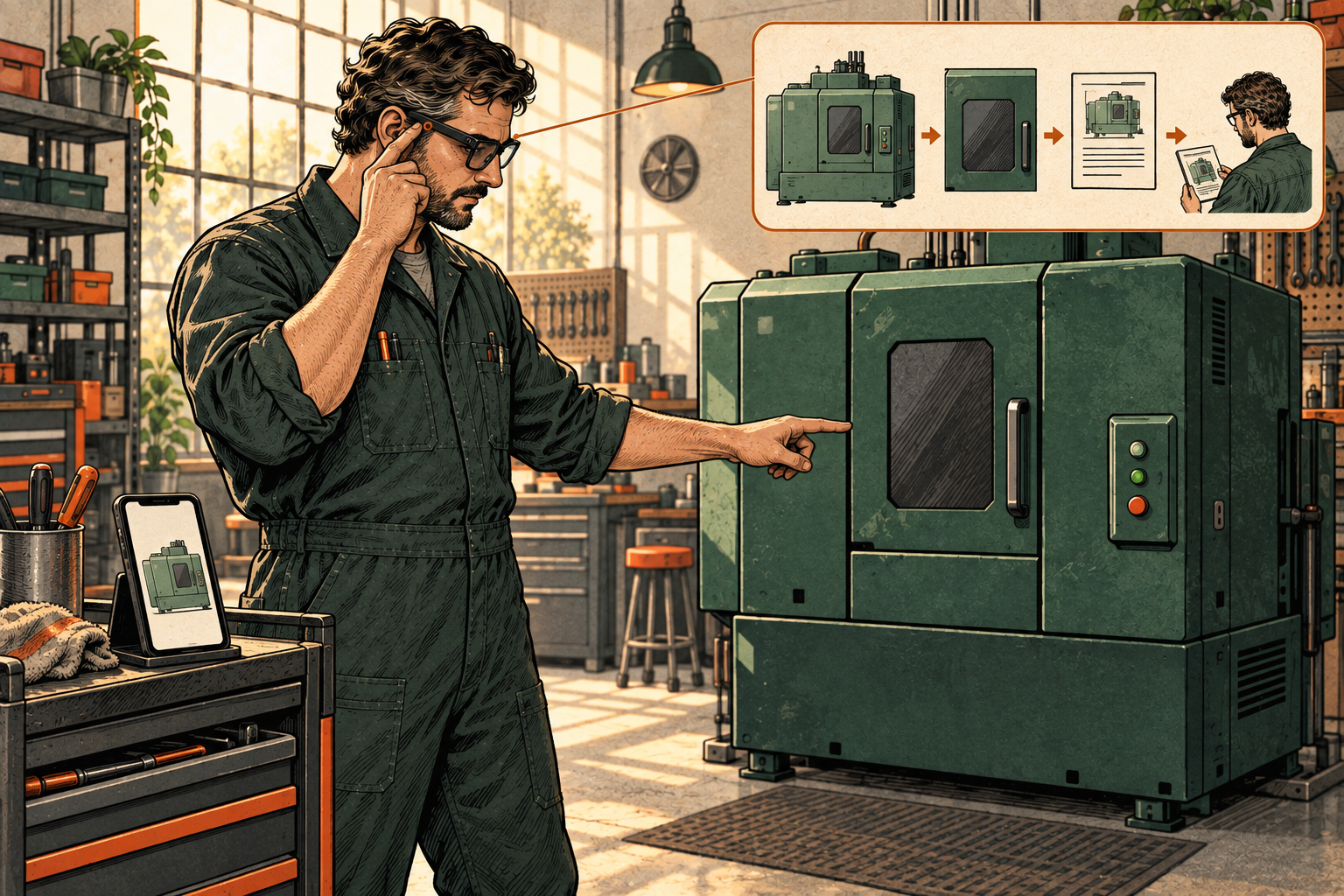
Proposed AI-generated illustration · fictional scene, not a product demonstration.
Start with the person doing the work
I have used remote-assistance demonstrations in an innovation setting to show how someone with less specialist experience could call on an expert while doing a job. They could share what they were seeing and get guidance without needing that expert physically beside them.
Tools such as Dynamics 365 Remote Assist and TeamViewer’s AR assistance explored this well before the latest AI wave, using specialist headsets and smartphones. My experience was in demonstrations, not measured production results. What stayed with me was the practical value of bringing expertise to the person who needed it.
Now we can ask whether every routine question needs a person at the other end.
Imagine a technician beside an unfamiliar piece of equipment. They need the right instruction, but first have to identify the model, find the document and check that it applies. The job pauses while they search.
With an approved camera and audio connection, an AI agent could help read the equipment label and find the matching procedure. The technician could ask a question while looking at the equipment, rather than taking a photograph, switching applications and typing out the context.
Suppose the label is unclear, or the procedure shows a different configuration. That is where I would want the agent to explain the mismatch and bring in a specialist—not improvise an answer. If the information checks out, it could help prepare an observation for the technician to review.
That is a possible workflow to test, not a claim that a particular device delivers it today. It also does not change who is qualified or authorised to do the job.
The benefit I would look for is less time hunting through systems and easier access to the right help. Seeing the equipment is useful context; it is not the same as understanding its condition.
The same idea could help someone locate stock, work across languages or discuss a design. Start with the interruption we want to remove. Then decide whether a wearable is the best way to remove it.
More choice than a pair of glasses
Smart glasses are attracting attention, but mixed reality and spatial computing still matter where space, scale and the relationship between objects are useful.
A design review might benefit from seeing something in three dimensions. Marking up a plan might be easier on a tablet. A detailed comparison might belong on a laptop. Sometimes hearing a short answer is enough.
I use OpenClaw on my Apple Watch to talk to Bob, my AI collaborator. Bob is not running on the watch; it is another way to reach him. That small example captures something important: the interface and the place where the work happens do not have to be the same.
Meta’s Muse is its personal AI agent, with plans to bring it to AI glasses in the coming months. Muse Charm is the pocket-sized device it previewed for talking to that agent. Neither announcement establishes that the full agent runs locally in the device.
These are different ideas from a VR workspace. One is about reaching an assistant during the day; another is about the space in which we view and work with information. I would judge each by the task it makes easier.
For our technician, a spoken request might prepare something in the work application for later review. For a planner, a spatial workspace might help compare information. Neither needs to replace the laptop for everything else.
Look beyond the launch
The launch gets my attention. The developer material helps me understand what we could actually build.
Meta’s Connect updates describe several routes: extending a mobile app to AI glasses, building web experiences for its Ray-Ban Display glasses, or connecting a service to its AI assistant. That is more interesting to me than another demonstration of an assistant answering a question.
Could we extend the field-service application the team already uses? The glasses could provide the view and voice input while the application keeps the job record, approved information and business rules.
That distinction matters. We would be bringing another interface to a work process, rather than hoping a general-purpose assistant already knows how the business operates.
The connector approach offers a related possibility: expose a small set of useful actions, such as retrieving job information or requesting specialist help, rather than hand over an entire application. Recording a completed job would remain a separate action with its own checks.
For spatial computing, the Android and web development paths suggest ways to bring plans, instructions and job information into a workspace around the person. I would explore that at a planning desk or in a safe review area—not assume every business screen becomes more useful inside a headset.
These are enterprise possibilities I would investigate, not workflows Meta is supplying ready-made. Its AI-glasses developer updates begin rolling out on 30 September 2026; connectors are a developer preview. Meta VR Glasses are planned for 2027, with development tools available ahead of the hardware.
This is what I want from developer sessions and communities: a better understanding of what the hardware and software let us do, where the limits are and what we could build around them. The launch demonstration is a starting point, not the whole opportunity.
The device is only part of the experience
If the interface is on my face or wrist, where does the intelligence need to run?
Parts of the work might happen on a phone, a nearby computer, infrastructure at the site or a hosted service. Meta VR Glasses and their separate compute puck are a reminder that even the hardware can be distributed.
I think of these as choices about where to do the work, not a mandatory chain of devices.
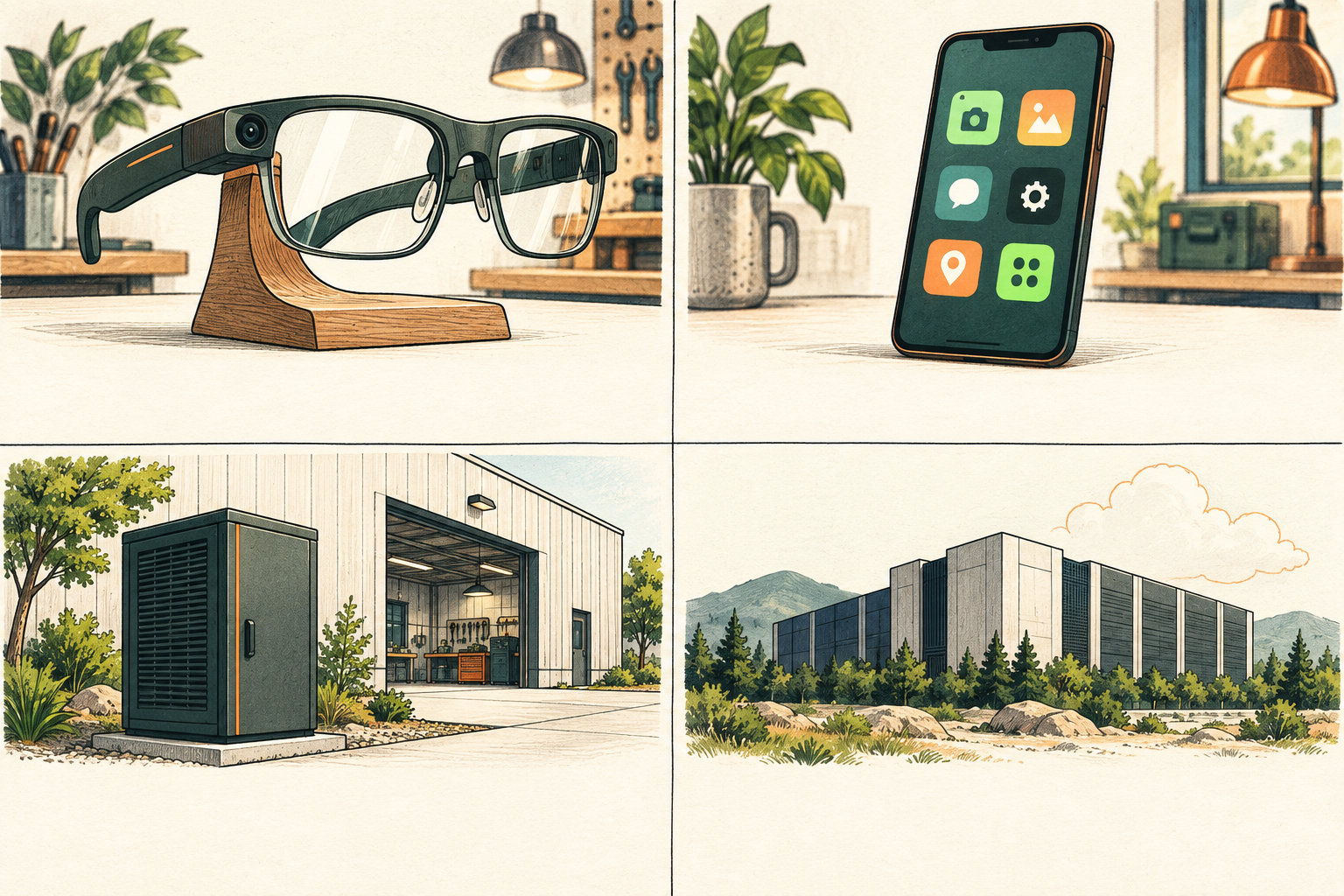
- Glasses
- Interface and capture; processing where supported.
- Phone
- Companion apps and nearby processing.
- Site edge
- Local services and permitted workplace information.
- Cloud
- Hosted capability through an approved data route.
Proposed AI-generated illustration · labels are live HTML, not baked into the image.
A local model might handle a defined task or keep sensitive inputs within a controlled environment. A more capable hosted model might help with a harder question. That choice has to account for what information may leave the workplace; a difficult question is not permission to send the data somewhere else.
The model bill is only part of the cost. Local processing brings hardware, maintenance and support of its own. I would want to understand the cost of getting the job done, including the time spent keeping the whole experience working.
And if the connection or model service disappears halfway through that job, what can the person still do? Can they reach the procedure, contact an expert or carry on manually? A local model is not much help if the records it needs are unavailable.
There are separate articles in the economics and resilience questions. Here, I would start with one useful task, compare it with the existing phone or laptop approach, and see whether the improvement survives a normal working day.
My device. Company information.
Talking to Bob from my watch is useful. Bringing a similar experience into work means asking what it can capture, whose information it can reach and what the agent may do.
Our technician’s camera could help avoid another visit. It could also pick up a customer screen, a security code or someone who did not expect to be recorded. I would start with a deliberate session for a particular job, not an always-on recording of the workplace.
People will bring devices they already own before every business sees enough value to supply them. We need a workable route for that: suitable devices, work accounts, permitted applications and clear limits on sharing. Employees also need to know what IT can inspect or remove.
The available controls depend on the device and how it is managed. If they cannot support the task, a shared company device, narrower access or the existing laptop may be the better answer.
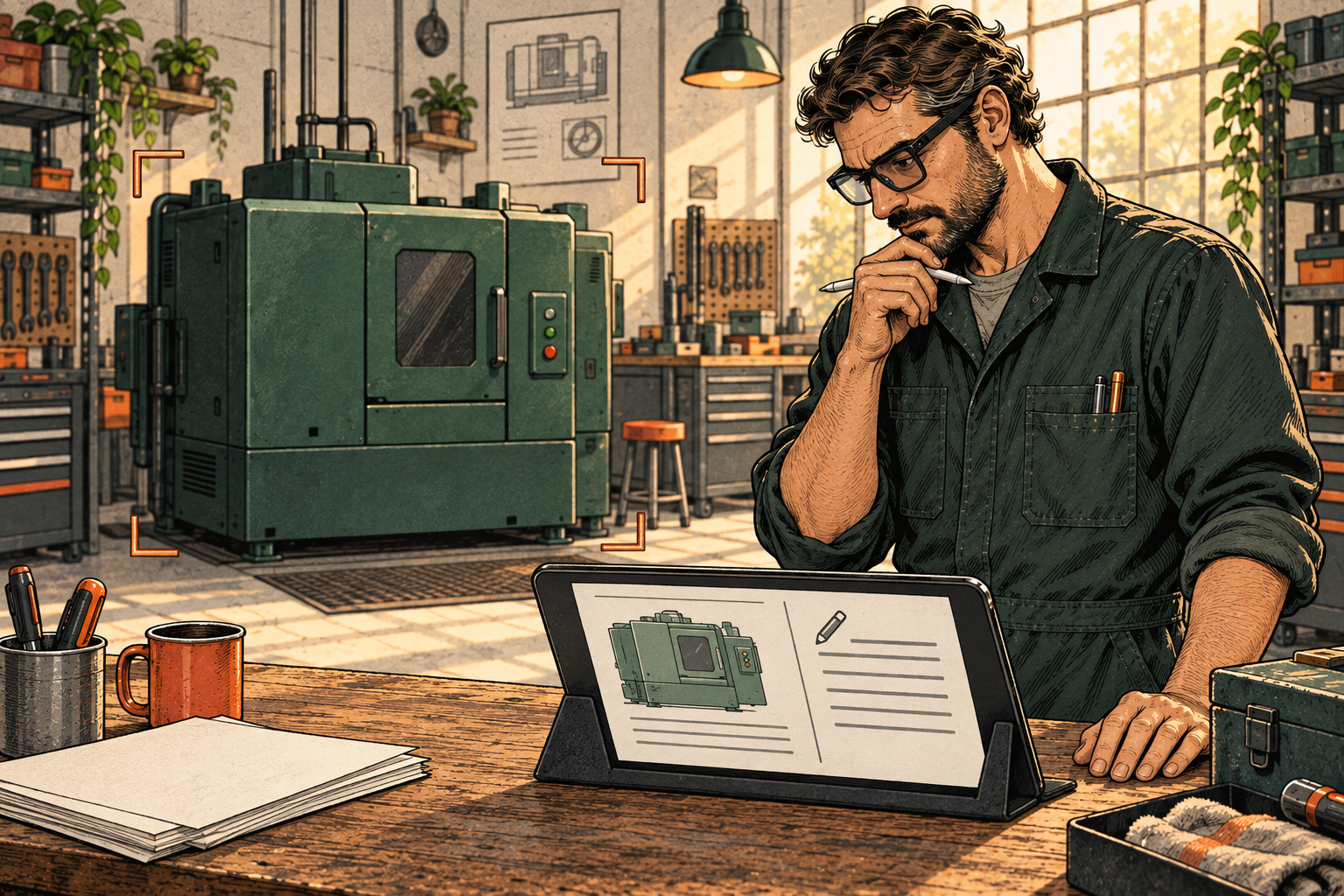
- Capture only what is neededKeep unrelated people, screens and paperwork out of the session.
- Use approved informationMatch the equipment and the permitted procedure.
- Review before actionThe person checks the note before it is submitted.
Conceptual AI-generated illustration · intended controls, not a product demonstration.
The agent also needs an owner, a defined role, limited access and a way to stop its actions. I want to distinguish the employee, the device and the agent acting on their behalf. Being signed in should not give all three the same freedom.
Microsoft’s Agent 365 and Entra Agent ID address agent oversight and identity. Okta’s Oktane announcements offer another example, including agent sign-on, controls over connections between agents and reviews of their access. Those functions are listed as generally available; other runtime and containment features remain planned.
These products address part of the problem. They do not establish that every wearable or consumer assistant is covered, or that an agent’s recommendation is correct.
I would involve security and privacy people before the pilot: decide what may be captured, where it goes, who can access it and when it is deleted. Test personal-account syncing and how access is withdrawn. Blocking business-system access will not stop an unmanaged camera recording the room.
Local processing can help with data handling. Meta’s confidential cloud-processing design for AI glasses is also worth examining, with coverage checked for the particular feature and data route. Cloud protection is not the same as keeping information in a particular country. Neither approach settles permission to record a workplace or compliance with its requirements.
The wearer’s agreement does not settle matters for bystanders. People need a visible way to pause capture. Helping someone with the job should not quietly become a continuous performance record.
The reward needs to be visible: less rework, quicker access to expertise or better accessibility. Weigh that against support and security costs, while meeting legal and contractual obligations. And make sure someone who cannot or does not want to wear the device still has a practical way to do the job.
That is the risk-and-reward conversation I want to have—not an automatic yes because the technology is impressive, or an automatic no because it introduces something unfamiliar.
A new interface. The same responsibility.
In Beyond Agents, I explored why useful AI needs an operating model around it. Wearables make that more immediate: the system may be drawing context from the space around us, not just information we deliberately put in a chat.
The companion article I am developing, Confidence, Trust and Assurance Are Not the Same Thing, asks what we need before relying on an agent’s work. Beside our technician, those questions become quite practical.
Does the evidence support this recommendation, for this equipment, under these conditions? What reliance has the agent earned on comparable work? Can we inspect the sources, checks and accountable decision behind the answer?
Those are different questions. Permission to retrieve a procedure does not give the agent authority to approve the work, and past success does not make every new recommendation dependable.
But I do not want the ambition to stop at putting an assistant in a pair of glasses. I want to know whether it helps the person wearing them, respects the people around them and can be supported when the novelty wears off.
For me, human-centred computing means being able to choose the interface that fits the job, understand what the system is doing and take over when needed. A laptop may still be the right answer. So might a tablet, a headset or a pair of glasses.
That is the opportunity I am interested in: bringing AI closer to the work, while keeping people in control of what it sees and what happens next.
Further reading · optional background
For anyone who wants to explore the technical and governance background:
- Android XR: different devices and experiences
- Meta Connect: Muse and the new device announcements
- Meta AI glasses: developer routes and rollout qualifications
- Meta VR Glasses: development tools, interaction and timing
- Meta Private Processing: the proposed cloud privacy boundary
- Okta at Oktane: agent access, lifecycle and availability
- Microsoft Intune: supported AOSP devices and enrolment routes
- OAIC: privacy and commercially available AI products