The conversation about personal AI assistants is changing. Meta’s Muse, OpenAI’s dot and Grok Bot are being presented as more than somewhere to ask a question. The direction is towards assistants that keep context, work across connected tools and do things on our behalf.
I can see people putting considerable time into these assistants—developing useful routines, explaining their preferences and finding ways to make everyday life easier. Once something understands how you work, why would you only want its help outside working hours?
I have already put a lot of time into working with Bob, my personal AI assistant, partner in crime and Chief Agent Operating Officer. Not just asking questions, but developing how we approach work, review it and pick it up again. That investment is part of what makes a personal agent useful. It is also what makes leaving it at the office door feel increasingly awkward.
We have spent years working through bring your own device arrangements for phones, tablets and laptops. What would it look like to bring your own agent to work? And what if you have built a whole team?
I can see why someone would want to. I can also see why the person responsible for security might need a fairly strong coffee before answering.
 Here to do what?
What we are actually trying to bring
There is more to this than wanting to use a favourite app.
If someone has spent months developing how an agent helps them, they are bringing an investment in a way of working. It might know how to help them unpack a complicated brief, structure a response or work through something they have been putting off. Starting again with a different assistant could mean rebuilding a lot of that.
That is the part that interests me. Can we keep those useful methods without bringing everything else along?
A preference for how a document is laid out is one thing. A history of private conversations, connected accounts and information about other people is something else. Both might sit behind the same friendly name and interface.
It also makes me question what “bring your own” needs to mean. Does the whole personal agent have to come into the business? Could it work within a separate company environment? Or could a work agent use selected preferences and methods, without taking the personal history with them?
Those are different arrangements. Before deciding whether we like the idea, we need to be clearer about which one we are discussing.
Becoming AI native needs a workable route
There is another pressure behind this. If a business asks people to become AI-native, experiment and find ways to lift performance, what happens when the tools they find useful sit outside the approved list?
I can see how a familiar personal assistant would become tempting. It is already there, the person knows how to work with it, and there is a job waiting to be done. That does not make using it with company information acceptable. It does mean we need to understand the gap between what the business is asking for and what it has made possible.
Shadow AI is part of shadow IT: AI being used outside an organisation’s approved systems and processes. With personal agents, the concern extends beyond an unapproved app to the context it carries, the services it connects to and the actions it can take. The NCSC’s guidance makes a useful point here: understand why people are using these tools and provide safer alternatives, rather than assume the problem will disappear.
That starts with the work. What is someone trying to do, and why does their agent help? Is the approved option missing a capability, difficult to access, or simply unfamiliar? Each answer points to a different problem to solve.
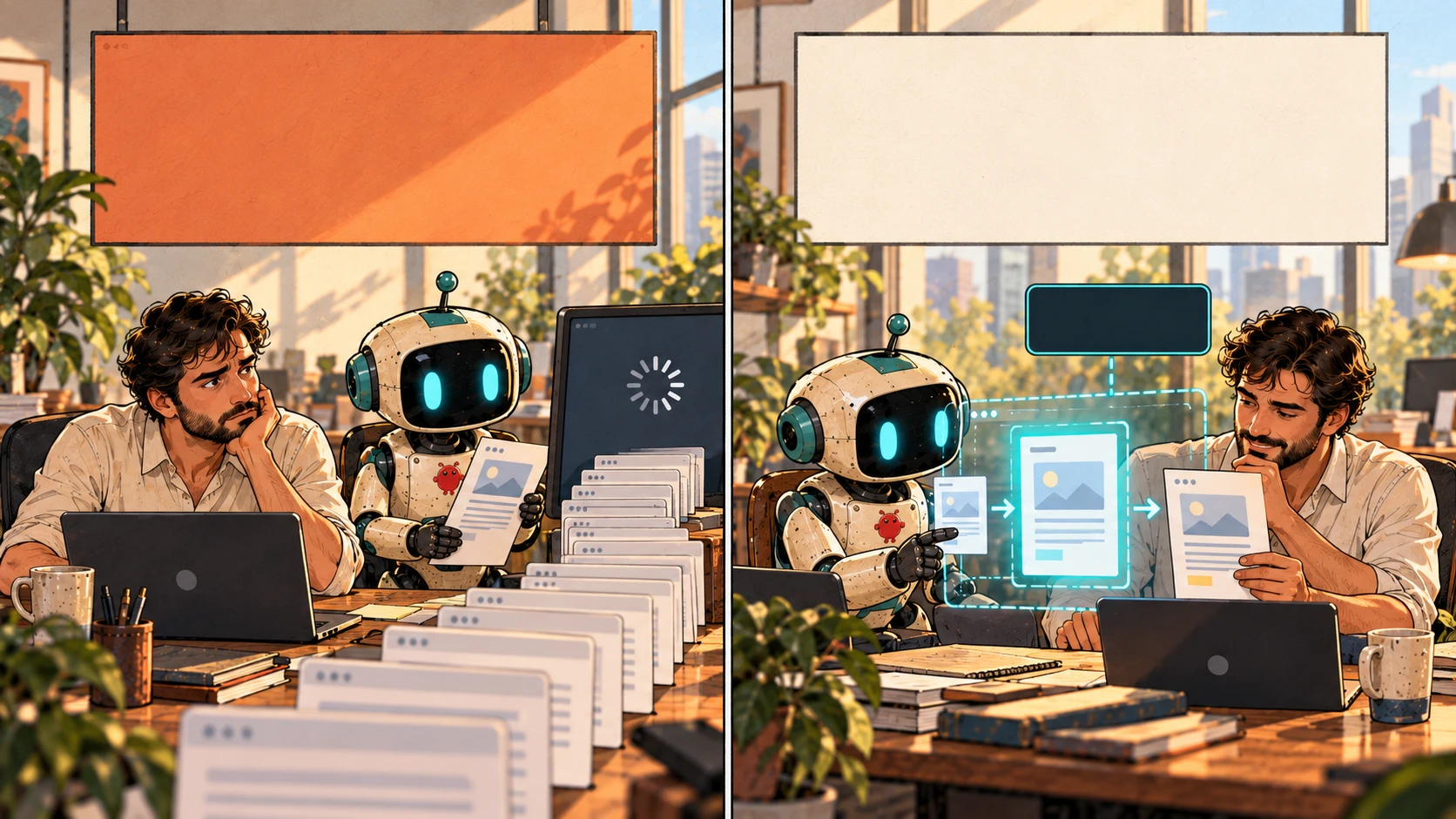 Be AI-native.Make it workable.This task only
There should be a practical way to try an idea using public or synthetic material, without first giving a personal agent access to real company information. Moving into business work then needs a clear decision about the task, the information and what the agent may actually do. Those limits need to hold in the systems it uses, not just in instructions asking it to behave.
Some tasks and setups will still need a no. But if the whole personal agent cannot come in, could the useful method move into an approved work environment instead?
The incentives matter too. More AI usage is not automatically better performance. A quicker draft that creates more rework, exposes information or leads to a poor customer decision is not the multiplier we were looking for.
If we want people to work differently, we need to make the responsible route usable. That brings us back to what happens when the agent gets a real job.
Help with a meeting not the keys to the building
Take an ordinary example. Someone wants their agent to help prepare for a customer meeting. Give it the relevant documents, ask it to pull out the important points and use the way of working they have already developed. That sounds useful.
But the task can grow quite quickly. The agent might look for more information, ask another agent to help, draft a message or decide to update something. Preparing a brief is not the same as sending it to the customer. Reading a document is not permission to share it elsewhere.
None of that needs a person trying to do the wrong thing. It could be a helpful system getting on with the job in a way the business never intended.
The phone or laptop does not tell us the whole story either. The agent might be doing the work on a cloud computer, using a different model or passing information through connected services. Letting a device onto the network does not settle what happens behind the app.
So the practical question becomes: what does this agent need to do this particular job, and where does that permission stop?
For the meeting brief, perhaps it only gets the selected documents and prepares a draft for a person to check. No sending, no changes to business records and no passing the material to another service without permission. Whether a particular setup can enforce that is something to establish, not assume.
Even then, material the agent reads can contain instructions intended to steer it somewhere else. That is the risk usually called prompt injection. Limits on what it can do still matter when it misunderstands something or follows the wrong instruction.
An agent being familiar and helpful does not make it exempt from the awkward questions we ask of other systems handling company information.
What happens after the meeting
This is where the personal information question gets interesting.
Say I bring my personal agent into a work meeting. It helps me make sense of the discussion and work out what needs doing next. Useful. But what happens to that information afterwards?
Does it become something the agent remembers about me, the customer or the people in the meeting? Could it turn up later while the agent is helping with something completely unrelated?
Then there is the other side. A personal assistant could know a lot about life outside work. Does bringing it into the office mean the business gets visibility of that too? What would it actually need to see to check that the work was done properly?
We often talk about PII as though it is just a name, an address or a number in a database. A meeting can reveal much more about a person: their circumstances, an opinion about them or something they were not expecting to be carried into another conversation. Removing their name may not remove the connection.
And it is not only my information to make decisions about. Customers, colleagues and people in someone’s personal life might be represented in that context without ever having chosen to use the agent.
The business needs to understand and control what happens to its information. The person bringing the agent needs to understand what happens to theirs. Those concerns meet in the same system.
 Personal lifeWork contextFor this task
Can we make enough of the work visible to manage it properly, without opening up the whole personal history? Can useful context stay with the work, rather than quietly becoming part of everything the assistant knows?
That feels like a more useful conversation than stopping at whether the agent can access a document.
A work mode needs to do more than change the label
It is tempting to imagine a switch between personal and work use and call the problem solved. But what would that switch actually separate?
Back at the meeting brief, the documents, draft, memory and any copies need somewhere appropriate to live. The business has to understand who can access them and what happens when the work finishes. If the agent is connected to personal storage or other services, those connections are part of the question too.
Running a model locally could change where some processing happens. It does not, on its own, tell us where a connected tool sends information or what another part of the system keeps.
There are security, privacy and compliance responsibilities here that a personal subscription cannot settle for the employer. The right arrangement will depend on the work, the information, the industry and the obligations the organisation has to meet. A low-risk drafting task and access to sensitive records are not the same decision.
There is also an ordinary but important question about stopping. Someone changes roles, leaves the company or disconnects the agent. Who picks up unfinished work? Where do the business records stay? Removing access does not pull back information that has already been copied elsewhere.
There is another awkward question here. If my agent learns a better way of working inside the business, which parts can come home with me? My preferences are one thing. Customer knowledge and company methods are another.
These are the things a useful work mode would need to help us deal with. A label is the easy part.
One agent can arrive with a team
The team version makes this more interesting again.
Suppose the agent preparing the brief asks a research agent to find supporting material and another to review the draft. That could be a useful way to work. It also means more than one worker may now be handling the information.
Who are those workers? Which tools and models do they use? Do they have their own access, or are they borrowing the lead agent’s? Can they ask someone else to help again?
Permission for one agent to prepare a brief cannot simply become permission for an expanding team to do whatever it considers helpful. The task, the information and the authority need to stay bounded as the work moves between them.
This connects directly to the agent trust work I have been exploring in Beyond Agents. Confidence that an agent can do something is not the same as deciding it may do it. We also need evidence that the arrangement behaves as intended.
A personal agent coming into a business gives that work a very practical question to answer. What would the organisation need to know before allowing it to take part?
The answer cannot just be its name or a successful demonstration. Changing a tool, model, memory setup or team member can change how the work happens. A familiar personality may still be sitting on top of a different arrangement.
 BobPrepare briefResearchAssigned sourcesReviewReview draft
Can we agree on a way to describe the arrangement
If people bring different agents to different workplaces, asking every business to untangle every product from scratch will be difficult. This is where agreed open standards could make a real difference.
Could an agent describe who is responsible for it, which other agents and services are involved, and what it is asking to do? Could the business respond with permission for a particular task, with clear limits and an expiry? Could both sides tell when something has changed and another review is needed?
That would be more useful than a general claim that an agent is “trusted”. Trusted to prepare a draft, in one environment, with selected information is a specific arrangement. It says nothing automatically about sending a message, accessing another system or working somewhere else.
There is already work underway on agent communication, tool connections, identity and security. Those are useful pieces. Getting systems to talk to each other does not, by itself, answer whether they should share a particular piece of information or act on someone’s behalf.
The standards question is therefore about making the arrangement understandable and enforceable across different systems. It is not about creating a badge every employer has to accept.
It also links back to keeping our options open between platforms. Carrying a useful method from one system to another is valuable. Carrying access and authority unchanged is a different matter. The new environment still has to decide what it will allow.
Bring the capability and work out what comes with it
What appeals to me about this idea is being able to keep using something I have spent time developing. I suspect that will resonate with other people as personal assistants become part of more of their day.
The difficult bit is working out which parts can come into the business, and under what conditions. The employee sees something that helps them work. The business sees another system handling information and potentially taking action. Both are looking at a real part of the problem.
My starting point would be to bring the useful capability into an approved work environment—not give the whole personal agent access and work backwards from there.
I do not have a finished answer for what that arrangement should look like. It is something I want to explore, especially alongside the trust and operating model work in Beyond Agents.
Can we preserve the familiarity and useful methods without importing every memory, connected account and permission? Can the business get the oversight it needs without making someone’s private life part of the deal?
And if we want people to become AI-native, how do we give them room to improve the way they work without making them choose between being productive and following the rules? Getting agent trust right needs to help make a useful, bounded yes possible, as well as knowing when the answer has to remain no.
We have had versions of this conversation about personal devices for years. Personal agents add something different: they can carry context forward and act on it.
That is what makes them useful. It is also what makes “can I bring mine to work?” a question worth spending some time on.